 ReadShore
Save your first article to ReadShore
Already testing ReadShore? Start from an article in Safari or another app with a share button.
Open the article and tap Share.
In the row of apps, look for ReadShore. If it is missing, scroll to More.
Optionally, add ReadShore to Favorites.
In More, tap Edit, then the plus button beside ReadShore. Tap Done to keep it in your Favorites. You only need to do this once.
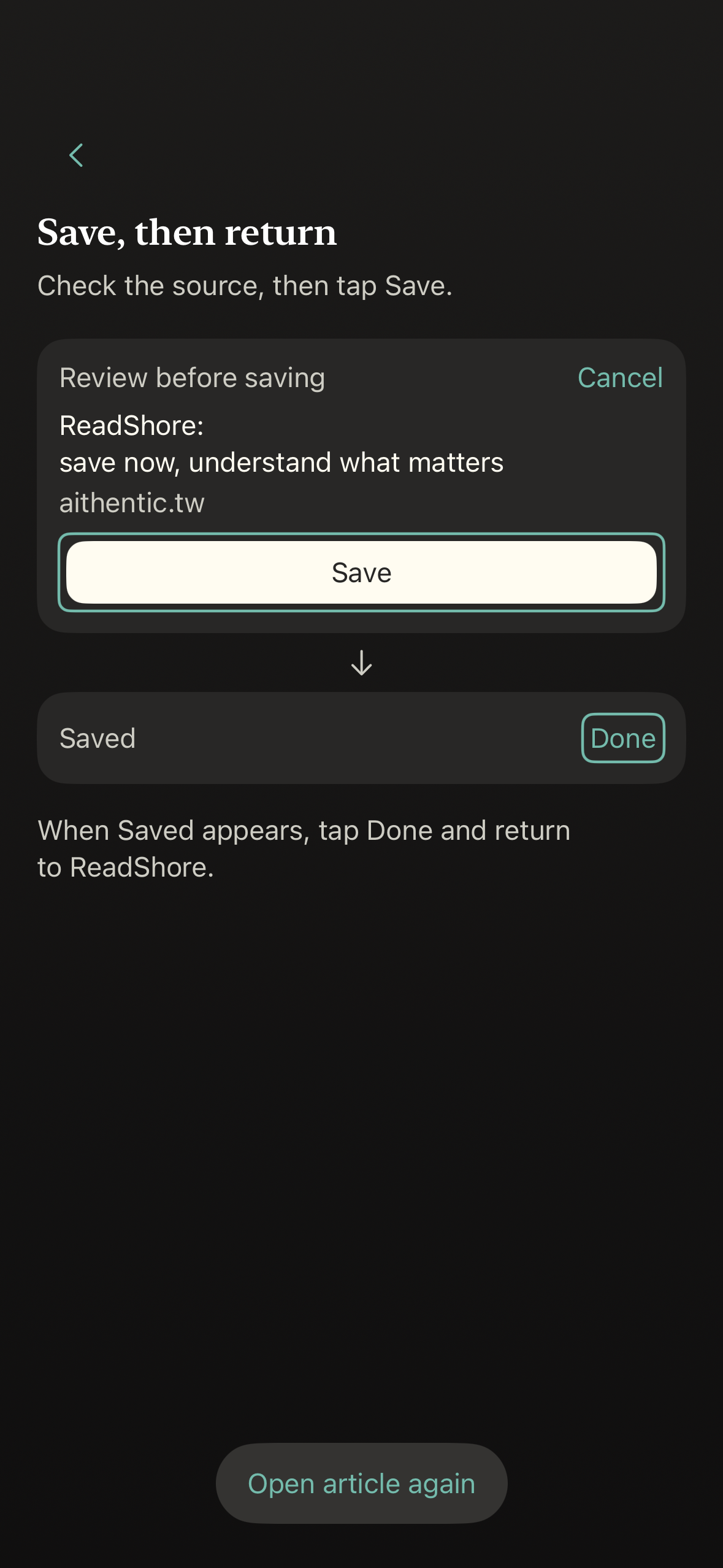
Choose ReadShore and review the source.
Check the article title and source, then tap Save. Wait for Saved, tap Done, and return to ReadShore.
Find it in Saved.
Open your Saved library. If only the link could be captured, you can still open the original source. Some sites restrict article retrieval.
Still not seeing ReadShore?
Make sure the app is installed, open it once, and try sharing the article again. Share options vary by the app you are using.
Support