 ReadShore
Find your way back to what matters.
You saved it for a reason. ReadShore brings your articles together, helps you choose where to start, and gives you room to understand what you read.
See how it worksFor iPhone · Currently in private testing
Less collecting. More understanding.
A place for the articles you want to come back to, without turning reading into another task to finish.
Save it while it’s on your mind.
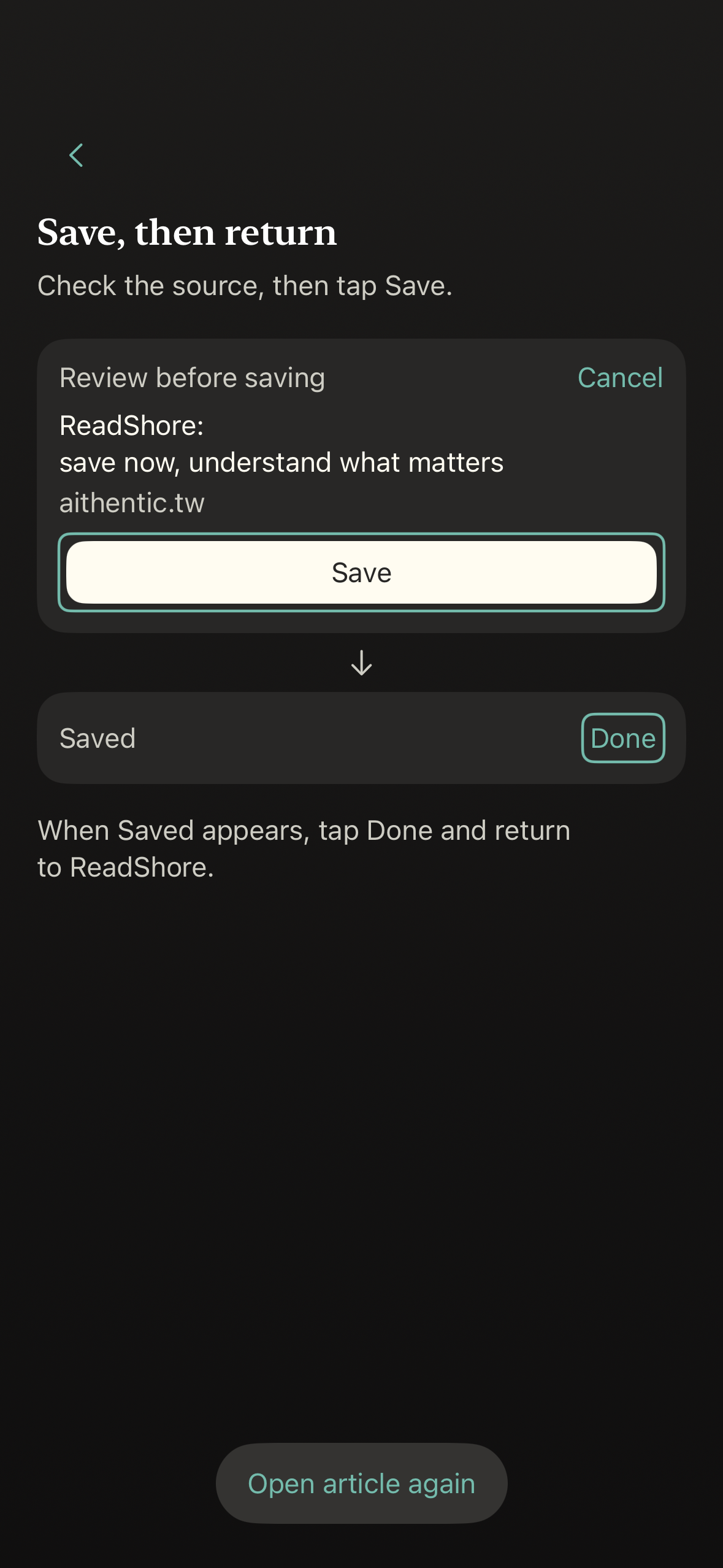
Use the iPhone share sheet to send an article to ReadShore. Review the source, tap Save, and find it again in Saved.
Start with a smaller choice.
Picks brings up to three eligible saved articles into view, oldest first. Open one, or leave it for later. Your full library stays in Saved.
Get the idea. Follow your curiosity.
With Summary & Analysis enabled, start with the key ideas, then read further or return to the original source. You decide how deep to go.
Your reading, on your terms.
Save and read without an account. Cloud Summary & Analysis asks for your permission. The privacy policy explains what is processed and how to delete your data.
PrivacyA quieter reading habit is taking shape.
ReadShore is currently in private TestFlight testing. Public App Store availability has not been announced. This page will link to the App Store when the app is ready.
Have a question? Get in touchA few things you might be wondering.
What is ReadShore?
ReadShore is an iPhone app for saving articles, choosing what to read next, and understanding the ideas in what you saved.
Can I download it now?
Not yet. ReadShore is in private testing, and there is no public App Store release or open TestFlight invitation.
Does Picks recommend articles from the web?
No. Picks selects from your own Saved library. It shows up to three eligible articles, oldest first, rather than a feed of new recommendations.
Do I need an account?
You can save and read articles without one. Cloud features require Sign in with Apple; automatic Summary & Analysis also requires your permission.
Is it available in Traditional Chinese?
The app and this website support English and Traditional Chinese.